Loading & page weight
Review image delivery, fonts, scripts and rendering behavior. A lab score is a diagnostic signal; the slowest or most frustrating real page deserves attention too.
WEBSITE OPTIMIZATION / DIAGNOSE BEFORE REPLACING
A slow page, difficult mobile layout or unreliable form does not always call for a new website. We investigate the specific problem, identify a manageable set of changes and check whether the fix improves the task that matters.
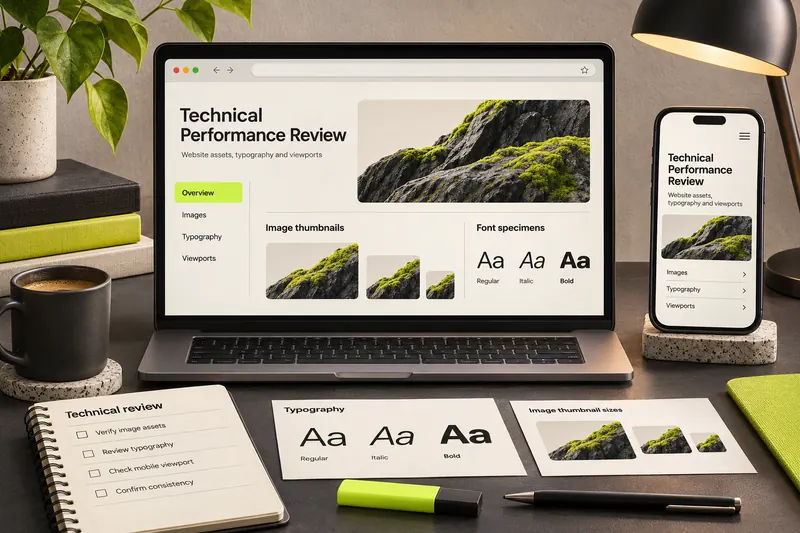
Pick a representative URL and a task, such as opening a service page on mobile and sending a quote request. Capture a baseline under repeatable conditions. When field data is available, compare it with the lab result and the actual experience.
Agree one bounded improvement and its check. For example, serve a smaller hero image and remeasure when the main content appears, then confirm the form still opens and sends. Separate speed work from larger content, platform and search campaigns.
Send one URL and describe where visitors get stuck. A specific example makes the first diagnostic scope easier to agree.
Request a review of a page with a specific problemThe scope
Review image delivery, fonts, scripts and rendering behavior. A lab score is a diagnostic signal; the slowest or most frustrating real page deserves attention too.
Check navigation, reading width, touch controls and content order on smaller screens. A layout can fit the viewport and still make an ordinary task unnecessarily difficult.
Follow the route from service page to form validation, confirmation and notification. A visible success message needs to match what the receiving system actually did.
A considered process
The working detail
Use these questions to prepare a more useful brief and compare the work behind a proposal.
Website optimization starts with an existing site and a specific friction point. A slow product image, an inquiry form that fails on phones or a page that visitors cannot find may each need a different repair. Share the URL, the action affected and an example of when the problem occurs. Note the device, browser and network if you know them. Ask your team to distinguish what it observed from what it suspects. A site owner might say that a checkout feels slow, while customers are actually waiting for a shipping estimate from another service. Reproducing the issue helps identify work the website can control.
Choose representative URLs rather than testing only the homepage. Record page type, device profile, network settings and whether the cache is warm. Repeat tests under comparable conditions and keep links to any available reports. A lab run can help you reproduce a slow render, but real visitor data reflects the devices and conditions people bring. Where you have both, use lab data to investigate and field data to check patterns over time. Record whether a report applies to an individual URL or a larger group. Compare the same kind of measurement after a change to avoid drawing a conclusion from a different test setup.
Check when the browser discovers the main image, fonts and style rules. Look for large files sent to small screens and fonts that cause text to move after it first appears. Identify scripts that execute before the page can respond and styles that postpone visible content. Prioritize an issue that affects the visitor’s immediate task. A decorative asset near the footer can usually wait. A form script that blocks reading the page needs more attention. Give each recommendation a test, such as checking that the main image is readable on a slow phone or that a button responds consistently after loading.

Observe how a person goes from a service page to a successful submission. Check that the call to action describes what will happen, that form labels remain visible and that error messages identify what needs attention. Test keyboard navigation and use a narrow screen to check fields and controls. If the site relies on email delivery, agree how to confirm the message reaches the correct recipient. A successful browser response and a received email are two different checks. Separate changes to the interface from changes to the mail setup, and keep a way to roll back each part.
Check the HTTP status, page title, canonical and index directives for pages that should be searchable. Look for important pages that are absent from navigation or reached only through an unclear link. Confirm that the sitemap uses the preferred URLs and that missing pages return an appropriate status. If you have Search Console, compare the intended canonical with the URL reported there. Investigate differences rather than assuming an indexing issue is caused by one factor. Optimization can make important content easier to access, but search engines decide which pages to index and when to revisit them.
Sort findings into changes that can ship safely, changes that depend on another provider and changes that need a larger project. A short first phase might resize images, address one form issue and improve a few internal links. Agree how each change will be tested and how the previous version can be restored. Keep platform changes separate if the site can improve without them. If an issue is tied to a third-party widget, explain which options you can control and what would happen if the widget were replaced. The plan should tell you which work is worth doing next and why.
Recheck the pages and interactions affected by the release. Record differences in page size, layout movement and the time it takes to reach a useful state. Inspect images, fonts and scripts that changed, including behavior on pages that share the same template. For an inquiry path, confirm both success and error handling. If a number improves but the interface becomes less usable, examine the tradeoff before calling the task done. When traffic is sufficient, compare field data over time. Set a review date rather than making conclusions from a single run on a day with unusual traffic.
An optimization project fits a site with a useful structure that needs targeted fixes. Consider a redesign when services are hard to discover across the site, the platform prevents routine edits or most templates need to change to support the business. Compare the smallest repair with the smallest useful redesign. A redesign can start with priority pages and reuse parts that work. Bring your URL, the problem visitors report, access constraints and your budget range to the discussion. A proposal should make the first step clear and show what evidence would support moving to a larger phase later.
If another team maintains the site, a prioritized findings list can be more useful than a broad presentation. Ask for the affected URL, evidence, impact, proposed change and acceptance check. If you want implementation too, separate review from changes and name the person who approves a release. Tell us whether the site has a staging environment and whether an external provider controls key assets. This makes it easier to choose which problems can be addressed immediately. Record which pages were inspected so nobody mistakes a sample for a review of the entire site.
Begin with tasks customers need to complete, such as selecting a service, opening a menu or submitting a form. Check labels, focus order, visible focus, text contrast and what changes are announced when an error appears. Automated checks can catch some issues, and a keyboard walkthrough helps reveal others. Record the exact steps that reproduce an issue so the developer can check the repair. Prioritize an issue that stops someone from completing a task. If you need a formal accessibility evaluation, define its scope and criteria separately from a general website improvement project.
Questions & answers
This page covers targeted website performance, usability and conversion-path fixes. Keyword campaigns, content programs and ongoing SEO retainers are not implied by a technical optimization project.
A fixed score cannot be guaranteed across devices, networks and repeated runs. Agree the affected pages and practical performance targets, then compare equivalent test conditions and available field data.
A public URL and clear description are enough to start scoping. Implementation may require limited source, staging, hosting or platform access. Share access through the relevant secure account controls, not a public form.
Enquiry sent
Thanks for sharing your project with us. We’ll reply to the business email address you provided.
Prefer a direct line?